Returns, damage and vendor credits
Record a return or damage, what the vendor will do, restocking and freight, and what it means for your client.
Written By Julia M.
Overview
Something damaged, wrong, or going back? Open the purchase order and choose Return or damage.
Watch it: the Finances lesson in Campus, step 7, “Bills and what vendors charge”, chapter 4, “Returns and credits” (starts at 1:11).
Steps
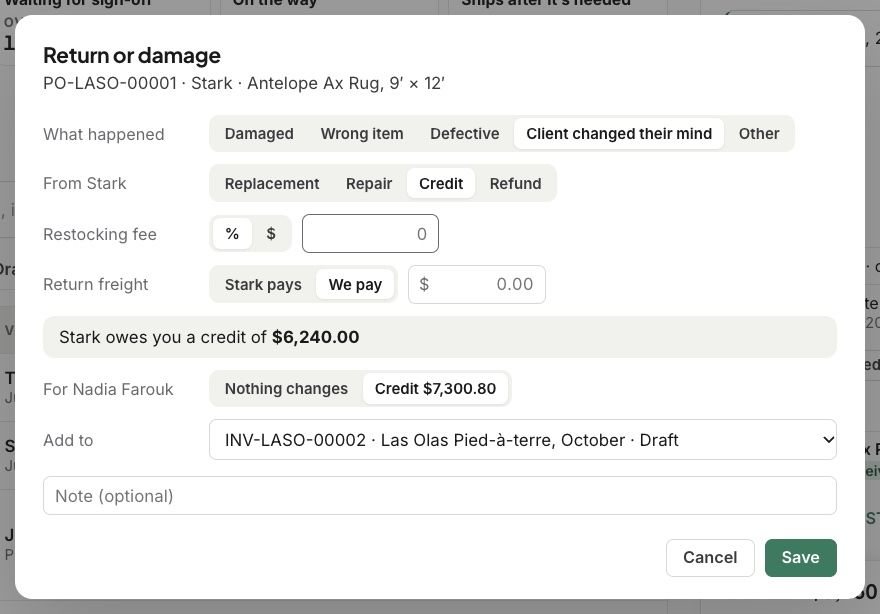
Choose what happened: Damaged, Wrong item, Defective, Client changed their mind or Other.
Say what the vendor will do: Replacement, Repair, Credit or Refund.
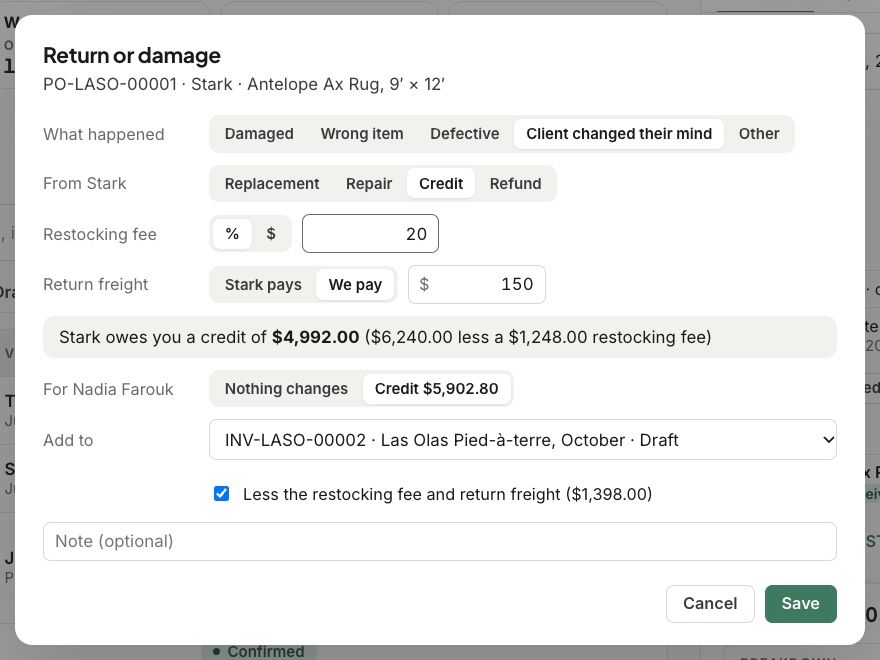
Add a Restocking fee, and who pays the Return freight.
Workroom works out what the vendor owes you, and what you owe your client. Choose whether anything changes for your client, and which invoice it goes on.
Click Save.
What happens next
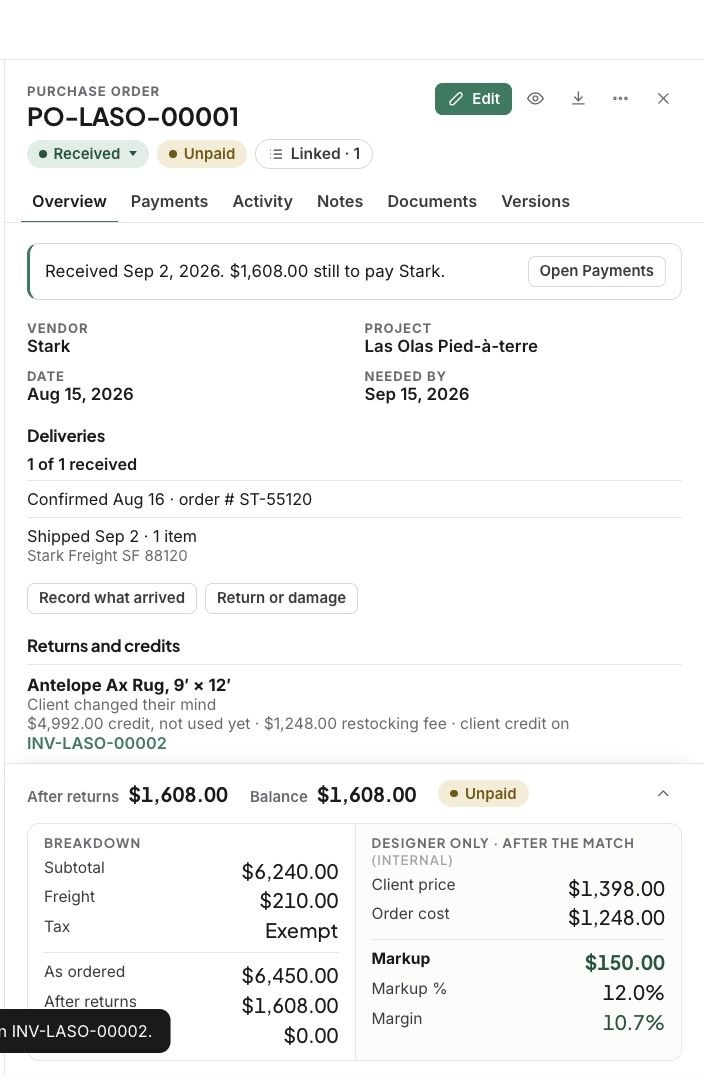
The vendor’s credit waits on their next bill.
Related articles
Was this helpful?
Still need help? Ask the team