Clearing, returned and declined payments
Payments that aren’t in the bank yet: clearing, held for review, returned or charged back, and cards that were declined first.
Written By Julia M.
Overview
The Not in the bank yet tile and view in Finances › Payments show every payment that hasn’t reached your bank: clearing or on its way, held for review, and returned or charged back.
Watch it: the Finances lesson in Campus, step 4, “Invoice and get paid”, chapter 9, “The Payments page” (starts at 3:21).
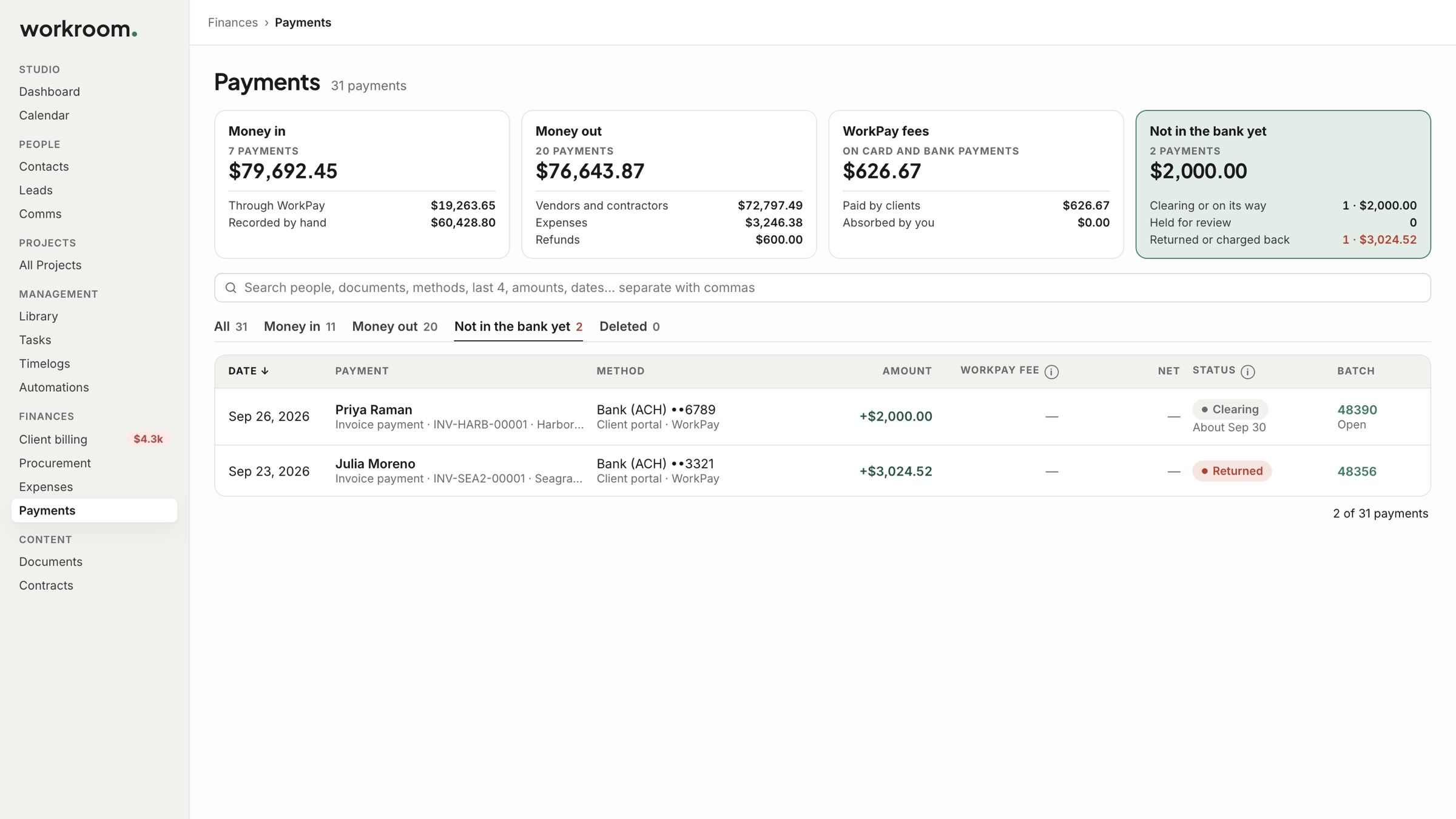
Clearing
Bank payments take 2 to 4 business days. A payment that is clearing shows when it is expected. It counts toward the invoice once it clears.
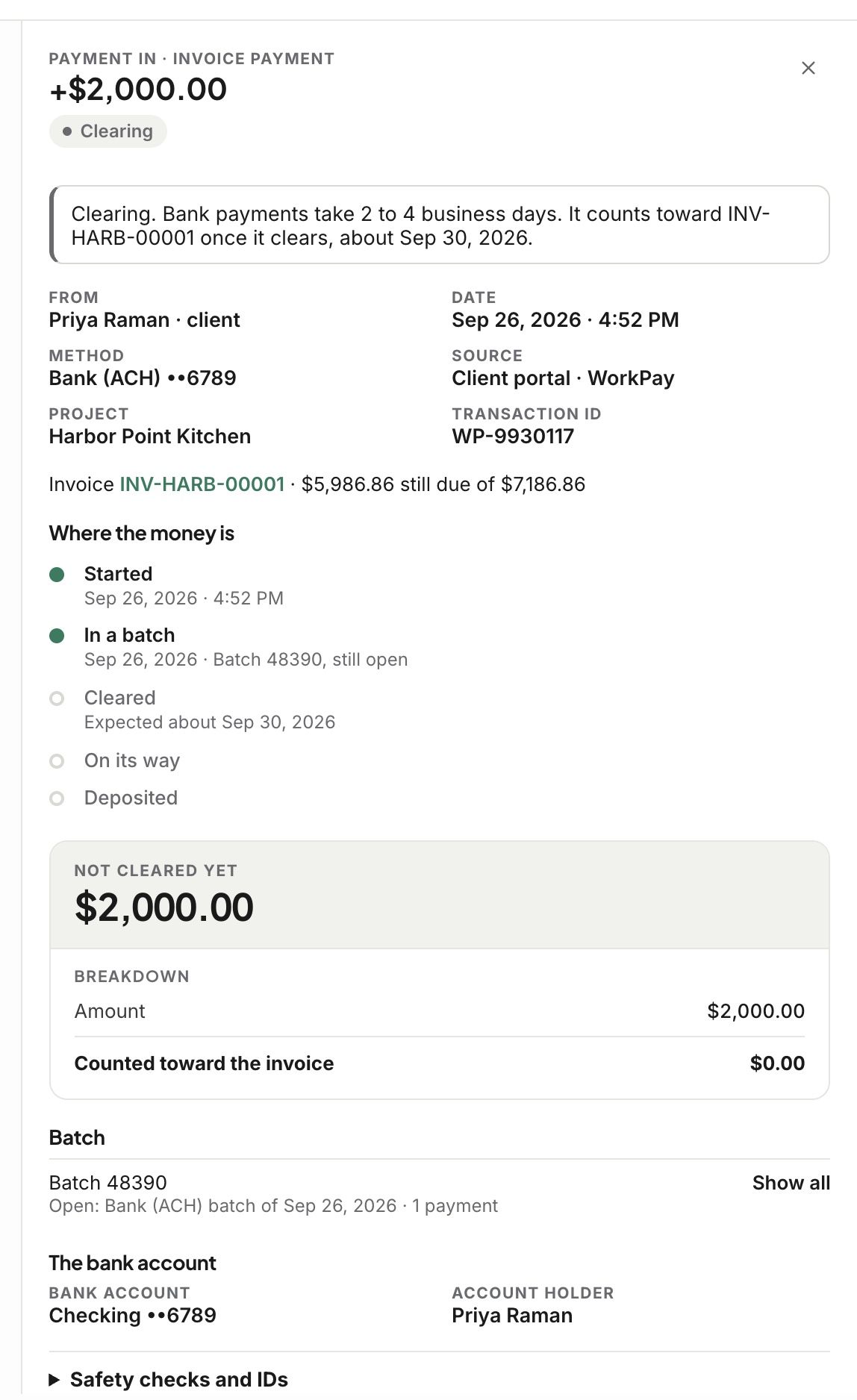
Returned
If your client’s bank sends a payment back, it reads Returned, with the date and the reason, like not enough funds. It doesn’t count toward the invoice, so the invoice still shows the amount as owed. Send reminder asks your client to pay again.
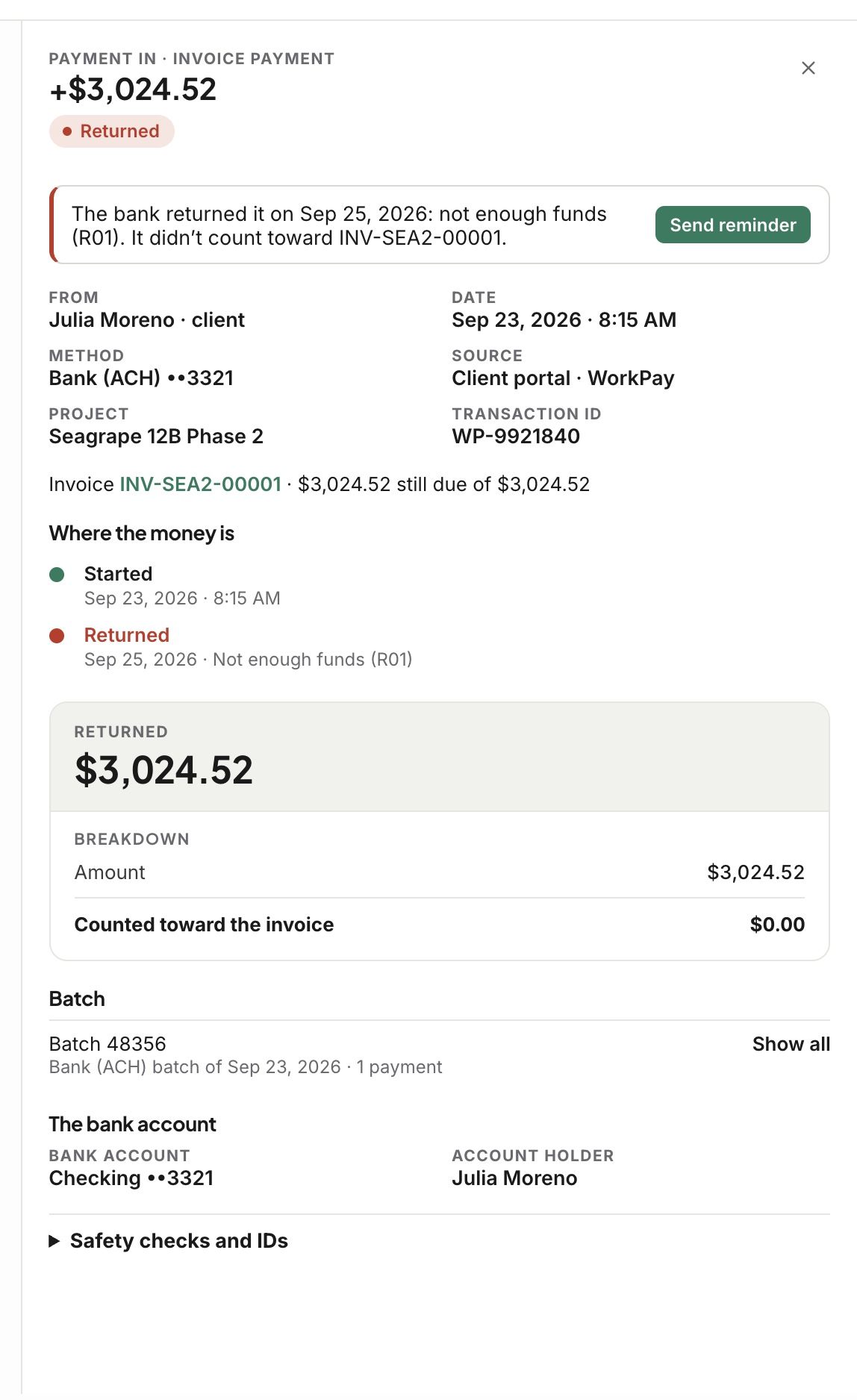
Declined tries
If a card was declined before your client paid another way, the payment lists it under Declined tries, with the card and the reason.
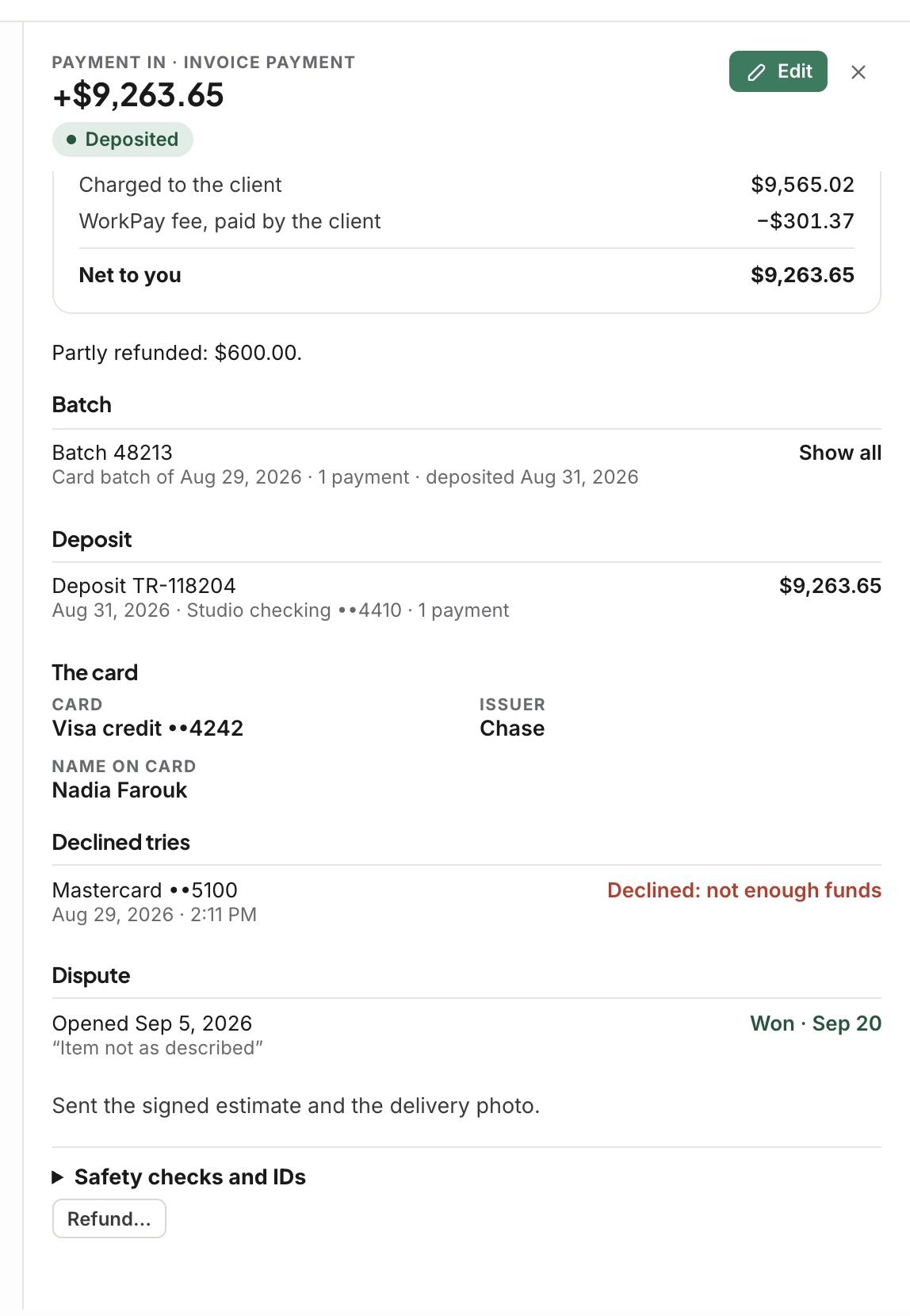
Held for review
Now and then WorkPay holds a payment to review it. It shows under Not in the bank yet until it is released.
Related articles
Was this helpful?
Still need help? Ask the team