🚀 Surprise Feature Drop! 🎉
Automatic Shipment Tracking Is Here!
Tracking your products just got a lot easier. In the Library, you can now add a tracking number to any shipment, and Workroom takes care of the rest. We track over 1,200 carriers automatically, from the moment a label is created until the package is delivered.
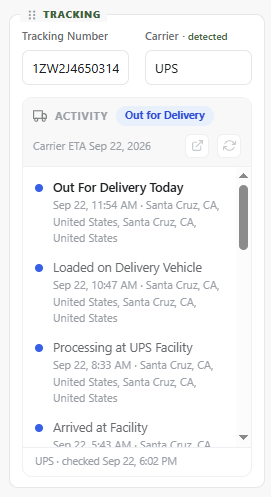 | As a shipment moves along, Workroom updates your product's status to match:
"Out for Delivery" is also now a default status, and it has been added to every account automatically. Your product dates update on their own too. The order placed date is set when you add the tracking number, and the actual ship date and delivery date fill in as the shipment progresses. We've also improved Automations. You can now set triggers based on each product's status, so you can build workflows around shipment progress. |
Your data is safe, no need to re-enter tracking numbers.
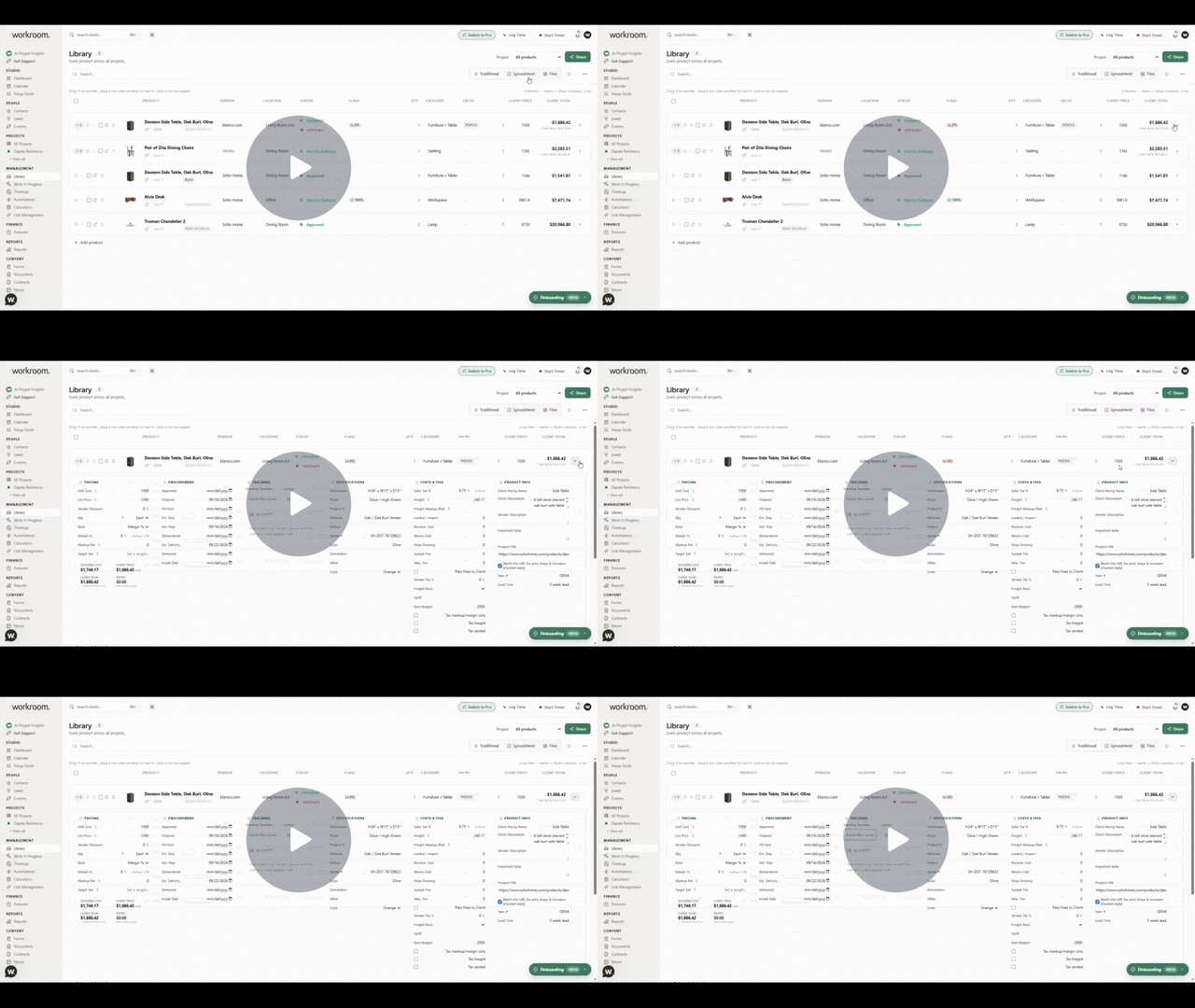
// How to track:
Open library
Show the details to a product
Paste your tracking number in tracking.
The system will auto-detect your carrier.
We hope you enjoy this update! And more importantly, thank you for being the best part of Workroom!
Tim + Gemma